
CPDERP system for agency operations
Work records, contributor payouts and project finances connected through one processing and reporting system
 GermanyCountry
CPD is an ERP system for tracking the work and payments of an agency's internal team and external contractors. It connects work records, payout calculations and project finances, providing a structured basis for preparing payments and reviewing costs. Xmethod developed the system with Next.js and TypeScript, concentrating on business logic, data processing and integrations.
What we did
Tasks
- 1Connect completed work with contributor accruals and payout amounts
- 2Match and synchronize records from the agency's existing spreadsheets
- 3Prepare a payment register with accounts, details and processing statuses
- 4Calculate income, operating expenses, cash flow and project margin
- 5Consolidate project figures into an agency-level portfolio overview
- 6Verify repeated processing and consistency across all reports
The project at a glance
Challenge
Completed work, contributor accruals and project figures lived in separate spreadsheet flows. Preparing a payout meant matching records manually and then rebuilding the financial picture at project and portfolio level.
Solution
A connected ERP workflow reads the existing sheets, matches and processes work and accrual records, prepares payment data and feeds shared calculations for project and portfolio reporting.
Result
The agency can trace an amount back to the underlying work, prepare payouts for internal and external contributors and review the resulting costs across individual projects and the full portfolio.
4
connected areas: work, payouts, project finance and portfolio reporting
2
contributor groups: internal team and external contractors
3
financial levels: payment register, project report and portfolio overview
1
shared processing and calculation logic across the system
The system
One operational chain from completed work to portfolio result
An agency needs to know more than whether a task is complete. It must connect that work to the person who delivered it, the amount owed, the correct payment route and the project that carries the cost. CPD brings those records into one operational chain while keeping the spreadsheet-based workflows the team already used.
The important architectural choice was to connect the existing working environment instead of forcing every operational record into a new interface at once. The spreadsheets remain practical entry and review surfaces, while CPD supplies the rules that relate their data. That keeps the process familiar for the team but gives calculations and status changes a shared system behind them.
The goal
Make every payout traceable to work and project finances
The goal was to connect completed work with the amounts owed to each contributor and show how those costs affect a project's result. The system also had to support payment preparation, keep operational and financial records consistent and combine individual project calculations into one portfolio overview.
Separated records
Work entries, accruals and payment details came from different spreadsheet areas and needed reliable matching.
Manual preparation
Before a payout, the team had to understand what an amount related to and whether it had already been processed.
Fragmented finances
Project figures had to roll up into agency totals without assembling separate reports by hand.
Data processing
Repeatable synchronization instead of manual transfer
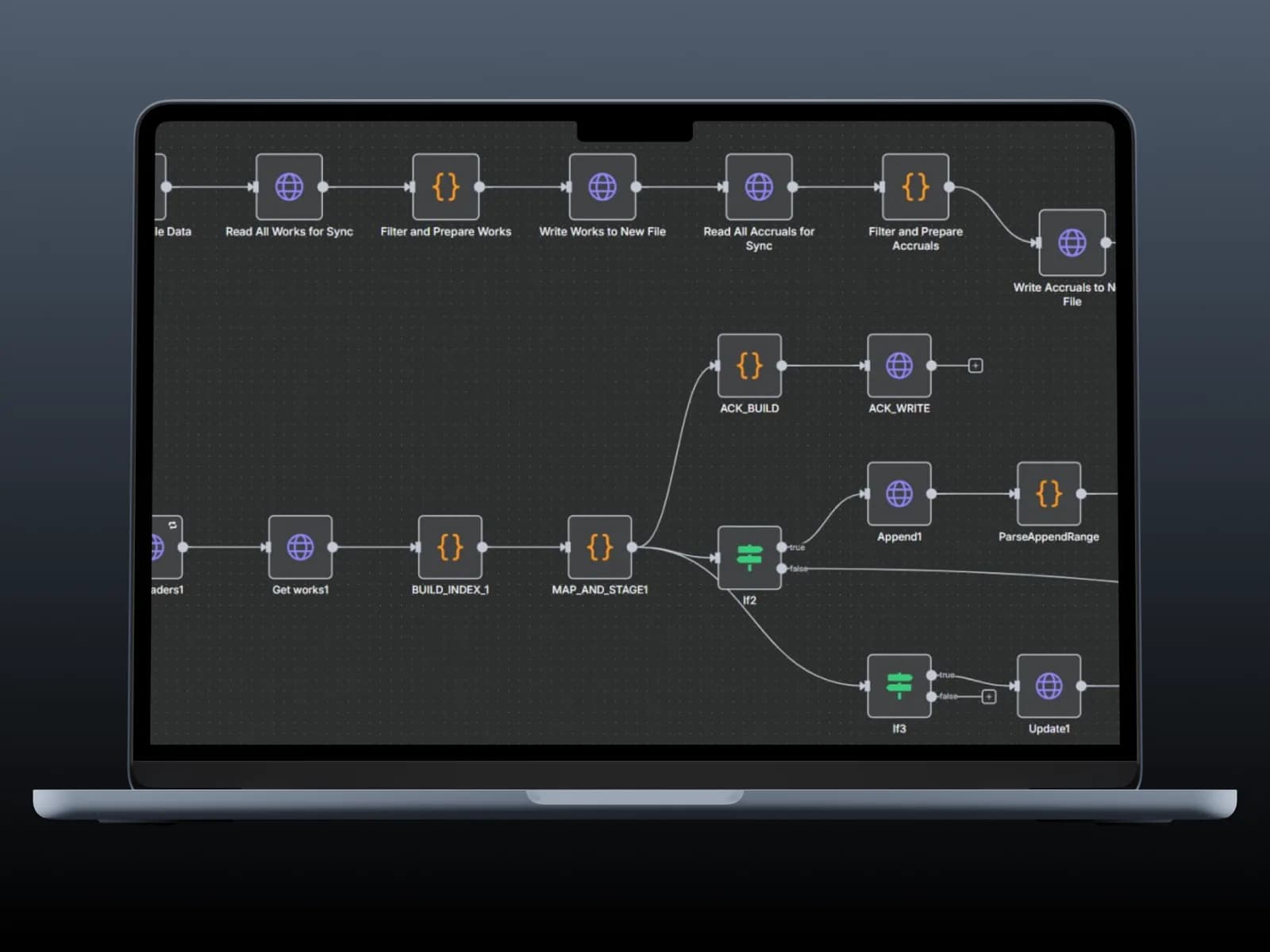
The automation reads work entries and accruals from source spreadsheets, prepares the data and determines which records must be added or updated. Matching and branching steps turn the agency's existing sheets into a repeatable processing flow, reducing manual transfer while preserving the familiar source format.
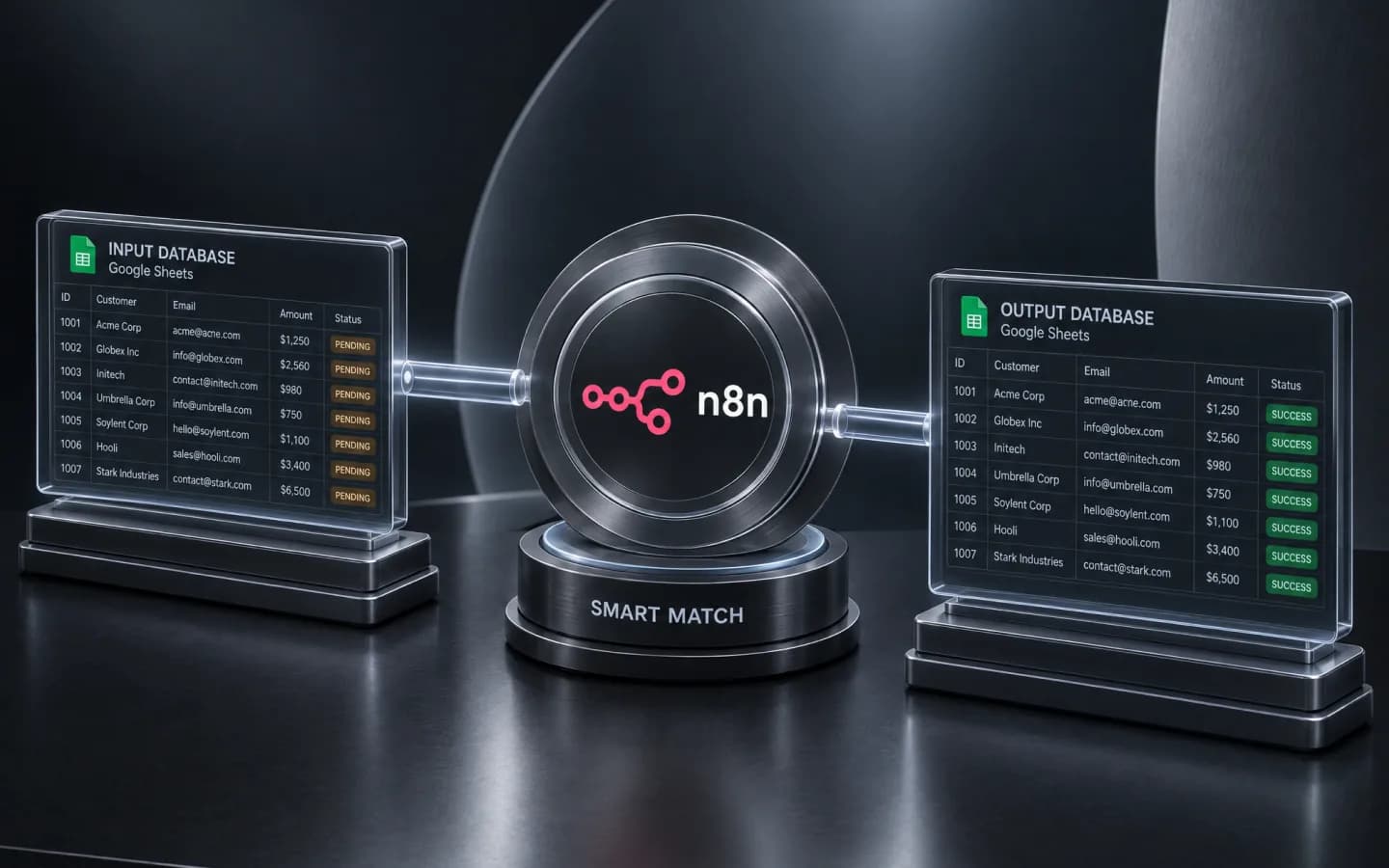
The workflow separates new records from existing ones before writing the result. That distinction is essential for repeatable processing: running a synchronization again should update the right entry instead of creating a second payment or losing a correction. Acknowledgement steps also make the result available to the next stage of the data flow.
Work & payouts
A payment register with the work behind every amount
The payment register brings together contributors, associated work, amounts, payment details and processing statuses. Internal team members and external contractors follow the same structured preparation flow. Linking payments to their source records lets the team review what each amount covers before completing a payout.
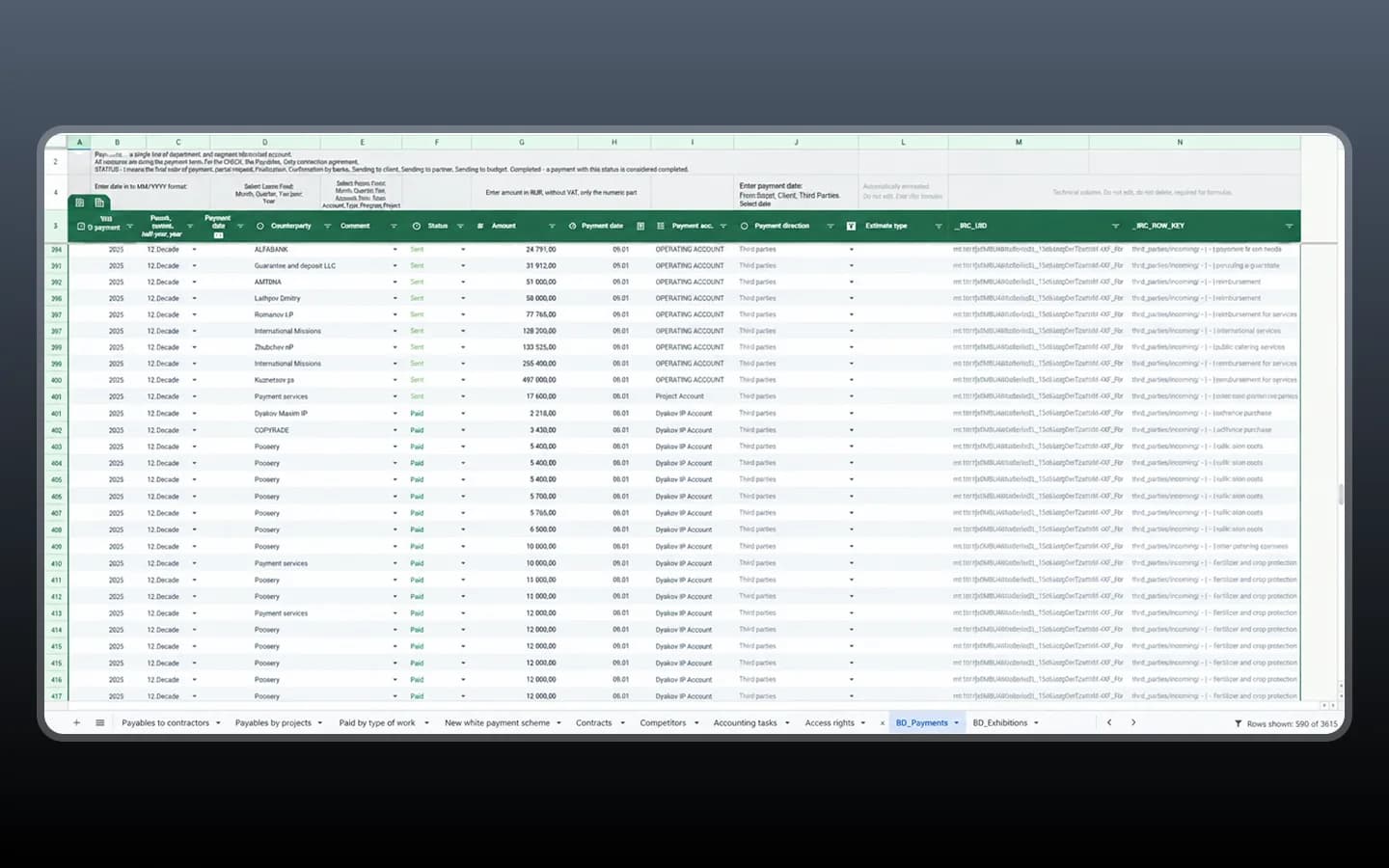
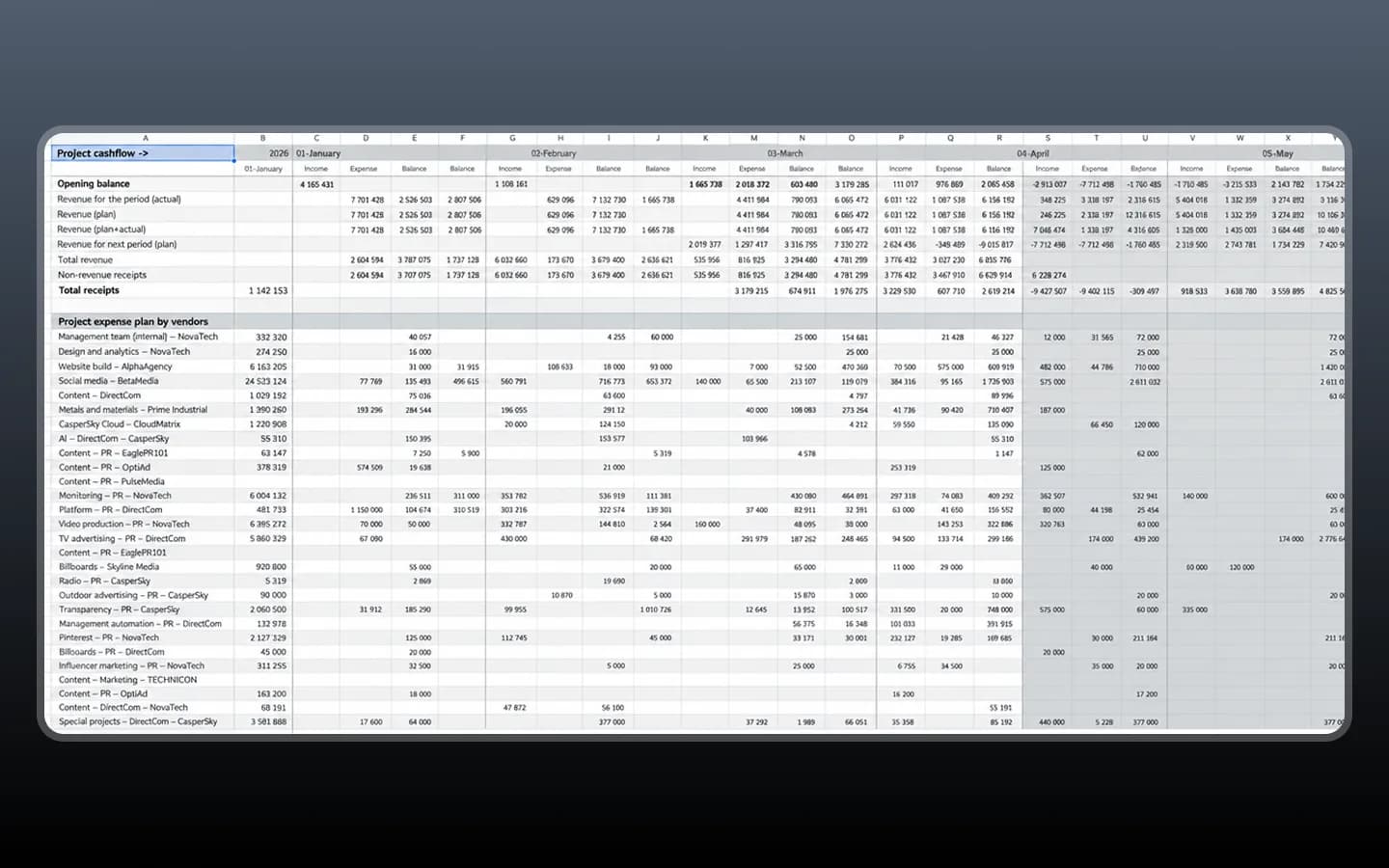
Because the payment register, project calculation and portfolio overview use connected records, a cost can be reviewed at the level where the team needs it. Operations sees the payout status, a project lead sees its effect on margin, and management sees the combined result across reporting periods without maintaining three unrelated versions of the same figure.
Project finance
Income, expenses, cash flow and margin in one calculation
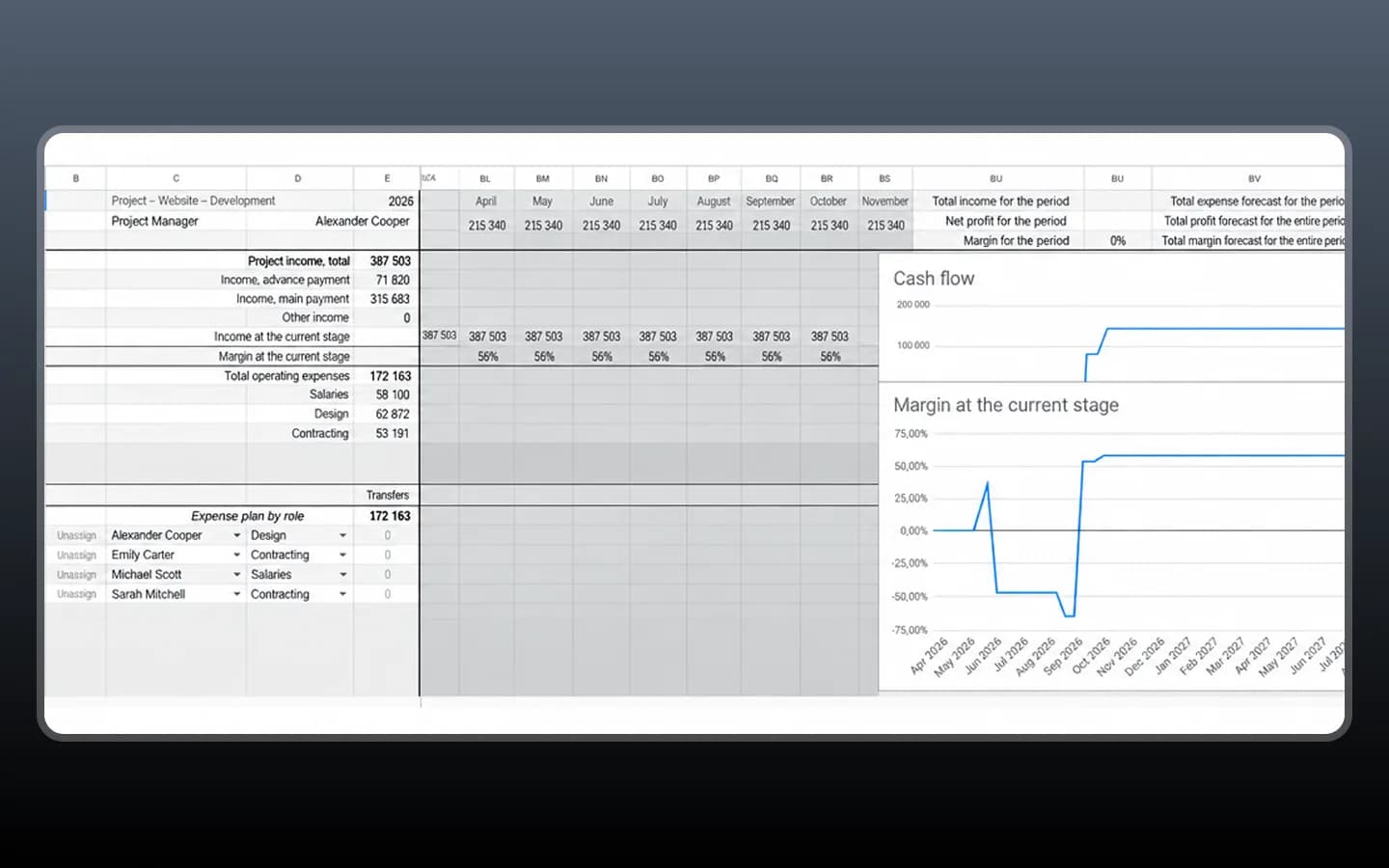
Each project report combines income, operating expenses and contributor costs across reporting periods. CPD calculates the current financial position and shows cash flow and margin beside the underlying figures. A breakdown by contributor and role makes the effect of individual costs visible without disconnecting them from the project total.
Portfolio overview
Individual projects roll up into the agency picture
The consolidated report combines financial information from multiple projects. Period-based columns connect project income and expenses with agency-level revenue and results, so the team can review an individual project and the wider portfolio from the same data chain instead of manually assembling separate reports.
Development & testing
Shared calculation logic that stays consistent when rerun
We implemented the processing and calculation logic with Next.js and TypeScript and connected it to the spreadsheet workflows shown in the case. Development covered work records, payout preparation, synchronization and financial reporting. Testing focused on accuracy and on the relationships between the outputs rather than treating each table as an isolated screen.
The checks covered the complete connected flow:
- Calculation accuracy for contributor amounts and project totals
- Record matching between source and output spreadsheets
- Safe repeated processing when records already exist
- Consistency between payment registers and project reports
- Consistency between project calculations and portfolio totals
Result
An ERP foundation for operational and financial control
CPD connects work tracking with payout preparation and financial reporting. The agency can maintain records for internal and external contributors, calculate what is owed and review the resulting costs at project and portfolio level. Connected data flows and shared business logic make the operation repeatable without replacing every spreadsheet the team already knows.
More projects
 Industry
Caster Wizard
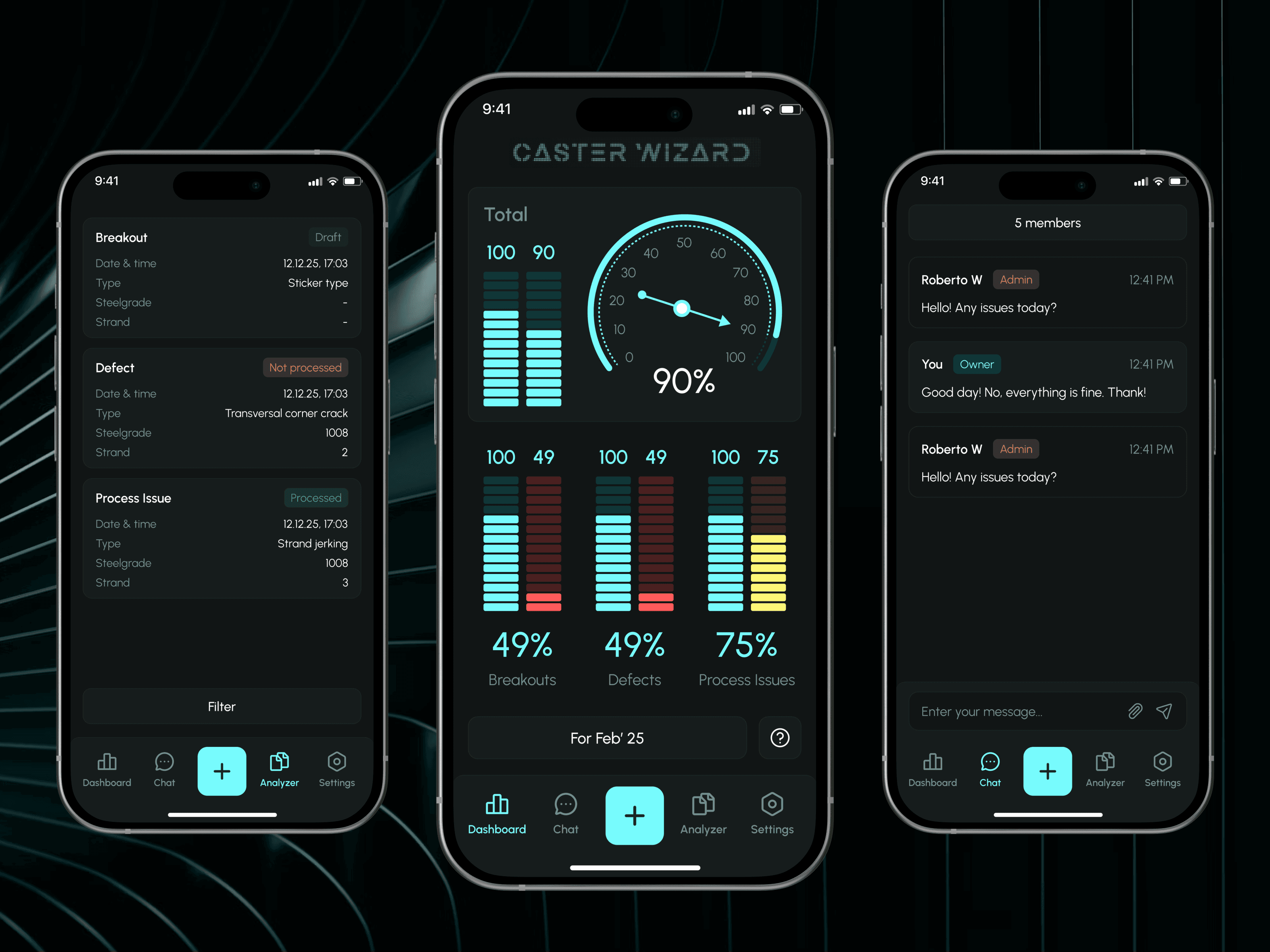
Monitoring and control system for steel plants: incident reports and expert feedback through an admin panel.
 FinTech
Fundora
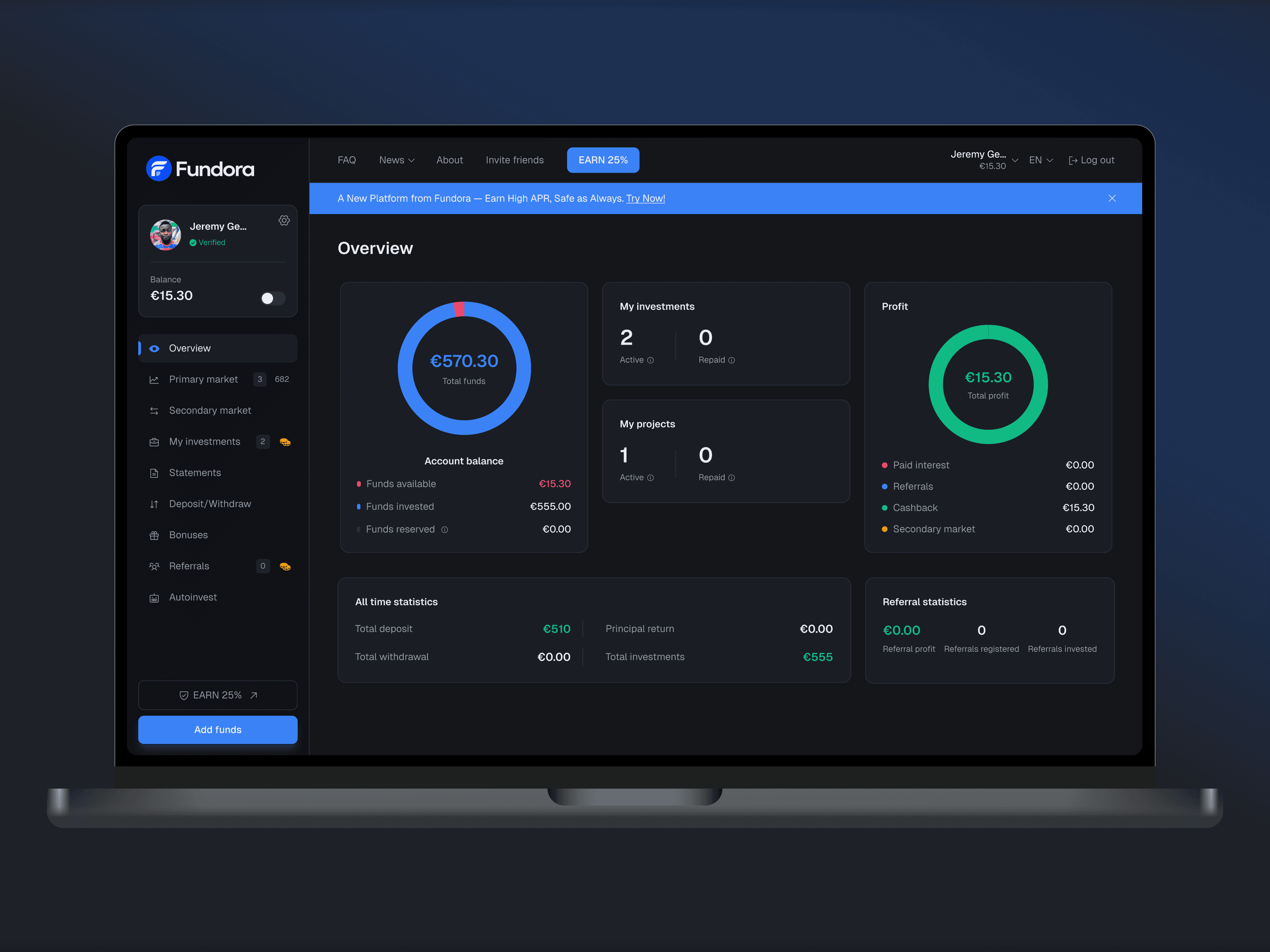
Web investment platform: balance, investments and returns in one dashboard, plus a primary and secondary market, deposits and withdrawals.
 FinTech
Grow Bank
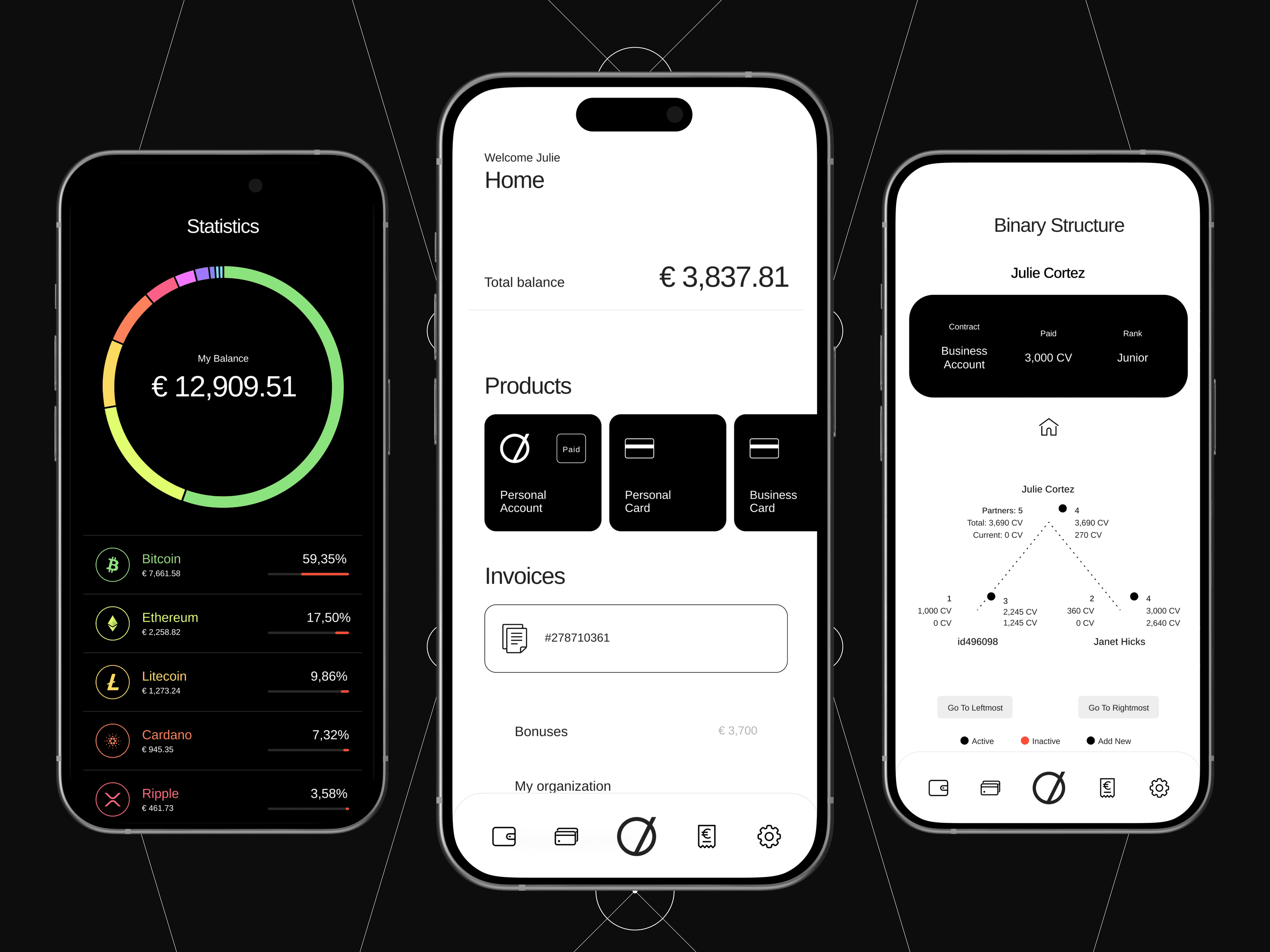
Mobile finance app: accounts, cards and invoices, a crypto portfolio with statistics and an overview of the user's partner network.
Let’s discuss your project
Free and non-binding — book a slot straight away or drop us a message.

Dennis Polevik
CEO
Free intro call with Xmethod
- Free, no obligationNo obligation and no cost
- Straight with the teamStraight with the team, no sales reps in between
- A concrete next stepYou leave with a concrete next step
Dennis Polevik
CEO
Let's discuss your project
What happens next?
- Reply within 1 business dayWe review your project and get back to you within 1 business day
- Short call on your goalsWe hop on a short call to align on scope and goals
- Clear proposal, no obligationYou get a clear proposal — no obligation, no pressure