

Solutions for Operations Teams
Spreadsheets, manual approvals and scattered tools become one central system: real-time KPIs, automated workflows and integrations with the tools you already use.





For operations teams juggling spreadsheets, emails and several tools just to stay on top of things. We build a central dashboard or admin panel that pulls data from your systems together, automates repetitive steps, and gives your team time back for the actual work.
What we build for operations teams
Real-time KPI dashboards
Metrics from multiple sources in one view — real time instead of a weekly spreadsheet report.
Workflow automation
n8n connects your tools and takes over recurring approval and routing steps.
Integrations with existing systems
Connect to your ERP, CRM or internal tools via API — without replacing what already works.
Admin panels
Custom interfaces for internal users, built around your actual process, not a generic template.
Software for operations teams: where to start, what to build, what to skip
Operations teams usually know exactly where things get stuck. What is missing is rarely the idea — it is a tool that fits their own process, and someone who builds it in weeks rather than quarters.
Choosing the right first process
The best candidate is not the biggest process but the one that runs often, has clear rules and today depends on one person or one spreadsheet. Typical examples are handovers between departments, approvals, stock reconciliations and weekly reports that someone copies together by hand.
We start with a short review on site or by video call: who does what, with which tool, and where does work wait? The result is a list of effort and impact per process — and a recommendation on where to begin.
Dashboard, automation or a custom application
Not every problem needs an app. When data exists but is scattered, a dashboard that brings it together is often enough. When people carry data from one system to another, an automation between the systems helps. A custom application only pays off when the process itself has no home.
- Dashboard: figures from ERP, CRM and spreadsheets in one place, updated daily
- Automation: handovers, notifications and reconciliations without manual work — often with n8n
- Admin panel: one workplace for cases that currently live in emails and lists
Rollout without downtime
Operations cannot stop for a changeover. So the new tool first runs alongside the old one, with a small team and real cases. Only when it holds up there does the rest follow.
We work with the people who run the process every day. They see the state each week and say what does not fit in practice. That saves the loop in which a finished tool fails on reality.
How the benefit can be measured
Before the start we record two or three values: lead time of a case, number of manual transfers, error rate or follow-up questions. After a few weeks of operation we measure the same values again.
Those numbers decide whether the next process follows — not a gut feeling. Related examples are on the document automation page.
Industry Expertise
 Airtable
 AWS
AWS Bubble
 isHosting
 Figma
Figma Brevo
Brevo Google Analytics
 PostgreSQL
 Ollama
 Stripe
 React Native
 Flutter (Dart)
 Firebase
 Claude
 Weweb
Weweb React JS
 OpenAI
 Next.js
 Webflow
 Zapier
 n8n
n8n Gemini
 Python
 Amplitude
 Supabase
 FlutterflowAirtableAWSBubbleisHostingFigmaBrevoGoogle AnalyticsPostgreSQLOllamaStripeReact NativeFlutter (Dart)FirebaseClaudeWewebReact JSOpenAINext.jsWebflowZapiern8nGeminiPythonAmplitudeSupabaseFlutterflowSupabaseZapierWebflowReact JSAWSPythonOpenAIFlutterflowFlutter (Dart)FirebaseNext.jsWewebPostgreSQLClaudeOllamaStripen8nGoogle AnalyticsAmplitudeAirtableBrevoBubbleisHostingFigmaGeminiReact NativeSupabaseZapierWebflowReact JSAWSPythonOpenAIFlutterflowFlutter (Dart)FirebaseNext.jsWewebPostgreSQLClaudeOllamaStripen8nGoogle AnalyticsAmplitudeAirtableBrevoBubbleisHostingFigmaGeminiReact Native
Related project from our portfolio
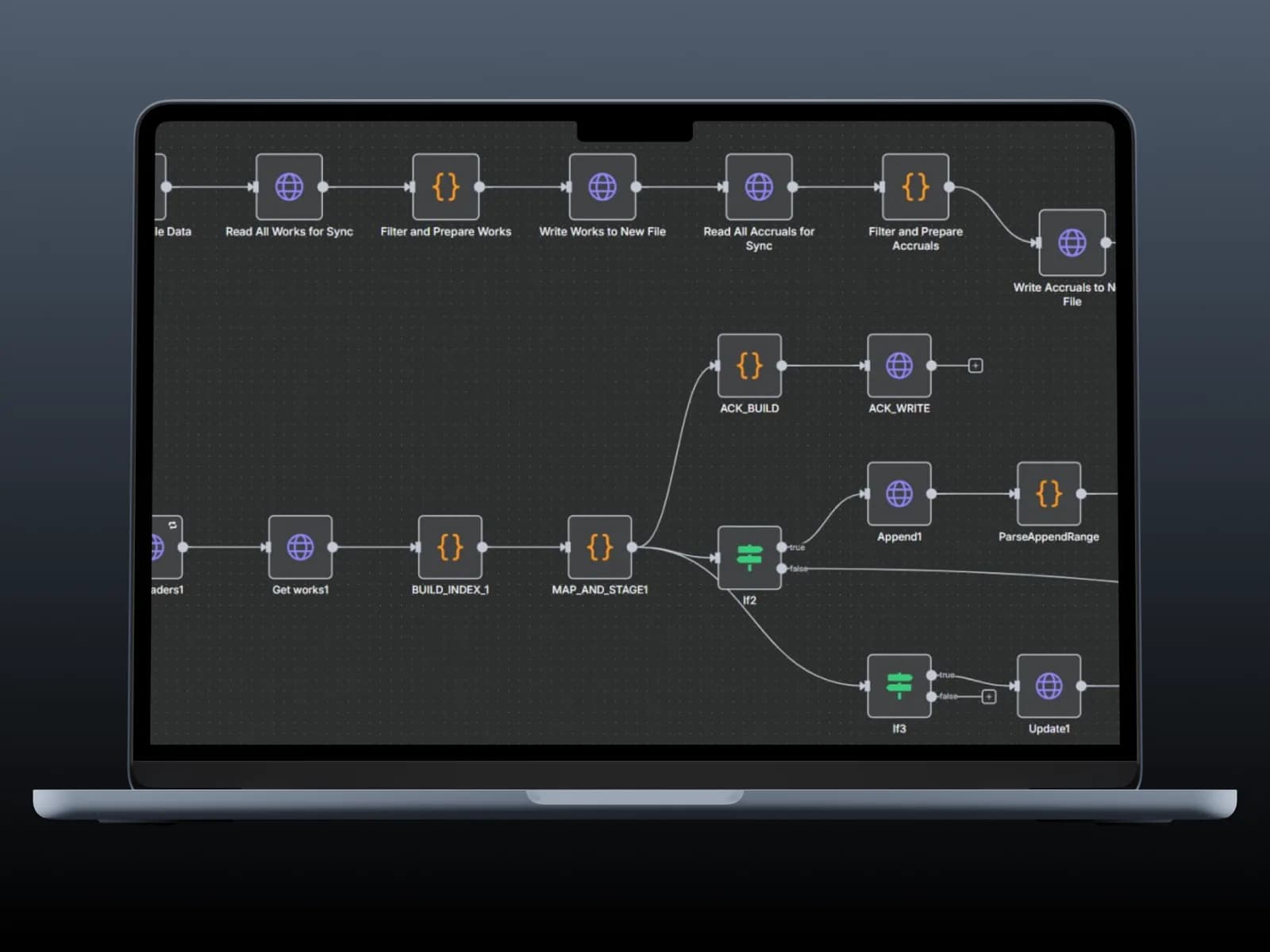
 Agency Operations
Our Blog
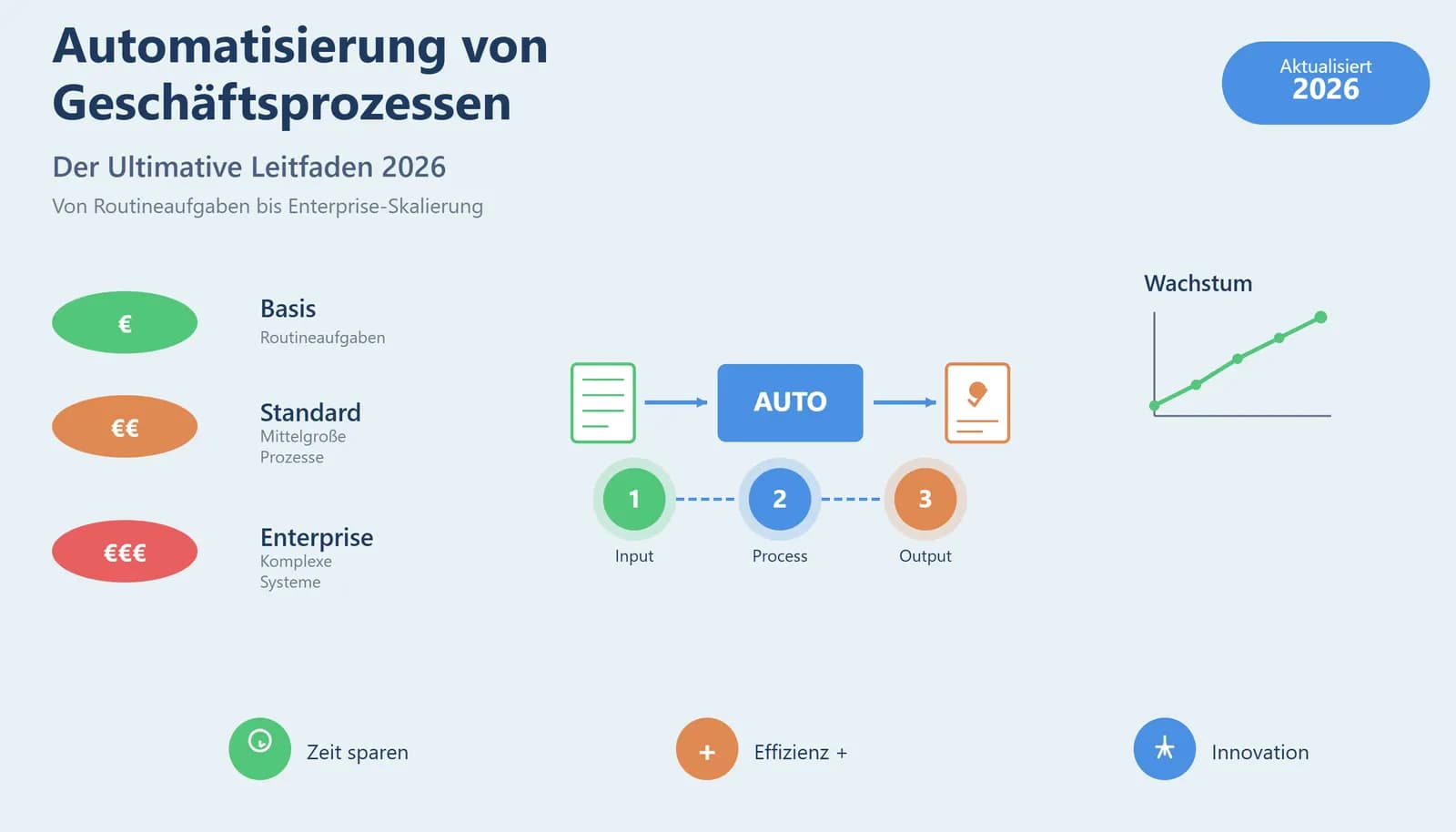 Automation
Business Process Automation 2026: How Companies Build Efficient Workflows with Low-Code and AI
Read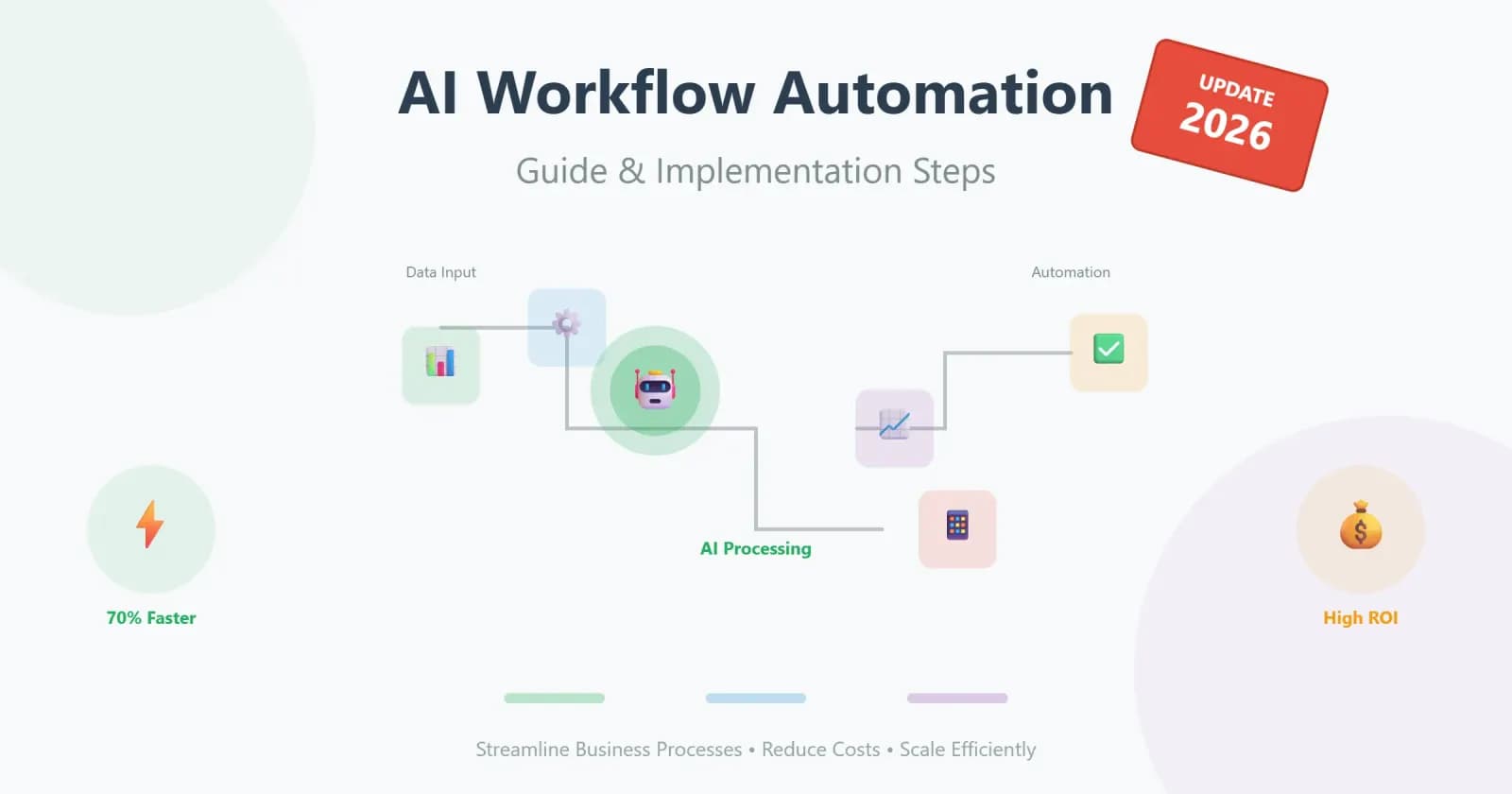 Automation
AI Workflow Automation: The Complete Guide to Streamlining Business Processes
Read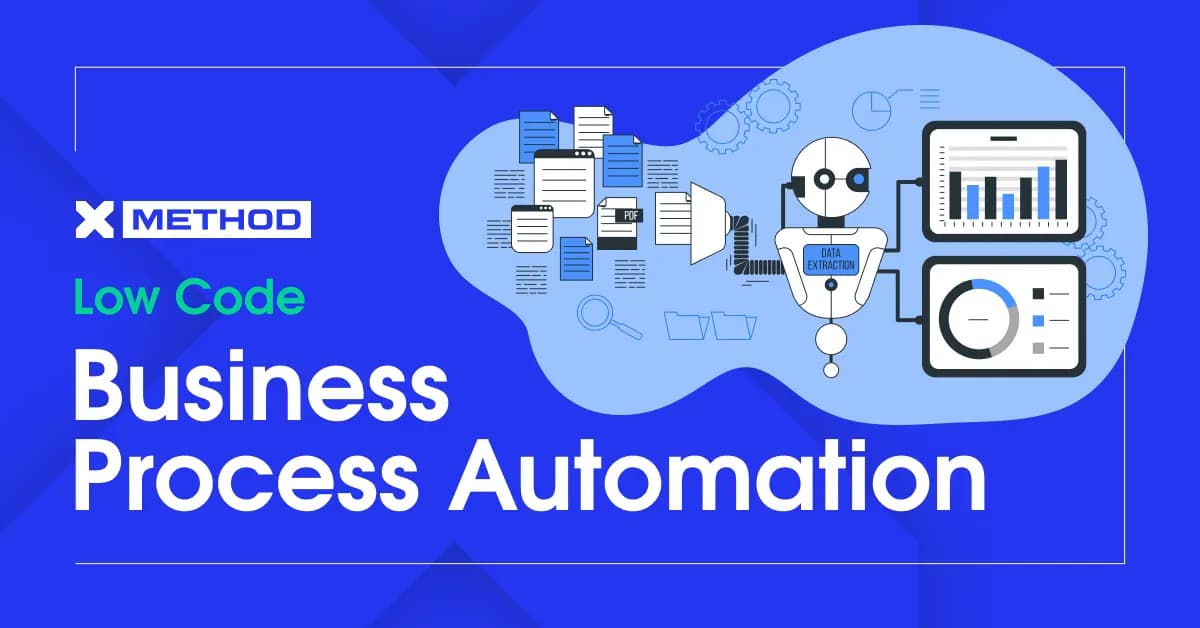 No-code
How Low Code Business Process Automation Is Changing the Game for Companies
ReadCommon questions about this solution
Let’s discuss your project
Free and non-binding — book a slot straight away or drop us a message.

Dennis Polevik
CEO
Free intro call with Xmethod
- Free, no obligationNo obligation and no cost
- Straight with the teamStraight with the team, no sales reps in between
- A concrete next stepYou leave with a concrete next step
Dennis Polevik
CEO
Let's discuss your project
What happens next?
- Reply within 1 business dayWe review your project and get back to you within 1 business day
- Short call on your goalsWe hop on a short call to align on scope and goals
- Clear proposal, no obligationYou get a clear proposal — no obligation, no pressure