 GermanyCountry
Empathia is a mobile platform connecting caregivers, care companies and other professionals who arrange support. It brings care requests, jobs, company and caregiver profiles, training and conversations into one product while adapting the next action to each user's role.
What we did
Tasks
- 1Model the relationships between roles, requests, jobs, applications, training and messages
- 2Define what each participant sees and which actions are available at every stage
- 3Design searchable lists and detailed profiles for companies and caregivers
- 4Make request and job statuses easy to scan and update
- 5Connect discovery to direct calls and conversations
- 6Build and test the role-based mobile journeys
The project at a glance
Challenge
Several participant types needed to work with the same requests, jobs and contacts without being shown workflows that did not belong to their role.
Solution
Map the relationships first, then design role-based journeys with compact cards, clear statuses, focused filters and direct call or chat actions.
Result
A coherent mobile product concept and implementation that helps every participant discover relevant opportunities, understand their status and continue the conversation.
6
participant roles mapped during analytics
5
connected product areas in one platform
3
request states visible at a glance
2
direct contact actions: call and chat
One platform for a connected caregiving ecosystem
Caregiving coordination involves more than one buyer and one provider. Caregivers look for suitable jobs and tasks, companies publish opportunities and evaluate candidates, while other professionals create care requests and need to reach the right organisation. Empathia gives those participants a shared mobile environment without forcing them through the same interface.
Different roles
Administrators, aggregators, social workers, caregivers, care facilities and trainers have different permissions and priorities.
Connected workflows
Requests, jobs, applications, profiles, training and messages must stay linked as an opportunity moves forward.
Fast decisions
Users need essential requirements, availability and status in lists before opening a detailed screen.
We mapped the system before designing screens
The product model connected users, training sessions, care requests, job listings, applications and messages. This made dependencies visible early: who creates an item, who can discover it, which status changes are needed and when the participants can begin a conversation.
A capability map for every participant
The role matrix defined which users can create accounts, place care requests, search for caregivers, publish jobs, apply for work or organise training. It became the practical boundary for navigation and permissions, keeping each experience relevant instead of exposing the whole system to everyone.
Different entry points, one shared network
We described how each participant registers, creates a profile and reaches the part of the product relevant to them. Caregivers move toward jobs and facilities; companies move toward candidates and applications; professionals arranging care move toward requests and provider profiles. The journeys meet in the same communication layer.
The key information appears before the detail screen
Early wireframes tested the repeated pattern used across the product: browse a focused list, filter it, open a detailed profile or request and continue to communication. Cards surface the information needed for the first decision, while the detail view carries the fuller context and contact actions.
Warm, clear and built for scanning
The final interface uses a warm light background, coral accents and softly rounded cards. Statuses stay visible, profiles remain compact and the primary actions stand out without making a service-oriented product feel clinical. The same visual grammar works for requests, jobs, people, companies and conversations.
Requests, providers and conversations stay connected
Professionals arranging care can group requests by status, open the relevant record, review suitable companies and continue through call or chat. Company profiles show service details and contact information in a predictable structure, so moving from a request to a provider does not require rebuilding the context.
Jobs and caregiver profiles support quick comparison
Companies see job requirements, schedule and pay directly in the task list. Caregiver cards highlight availability, experience and practical attributes, with filtering available for longer lists. Call and chat remain prominent so a promising profile can become a real conversation immediately.
Shared foundations for role-based mobile journeys
Development translated the role model and approved designs into shared mobile flows. Reusable list, card, status, profile and conversation patterns kept the experience consistent even when permissions and available actions changed by role. Testing followed the complete journeys from discovery through details and filtering to direct communication.
- Navigation between lists, detail screens and conversations
- Filters for jobs, caregivers, companies and care requests
- Status handling for released, on-hold and finished requests
- Role-specific visibility and available actions
- Direct call and chat paths from profiles and opportunities
A structured route from opportunity to communication
Empathia turns a network of participants, opportunities and contact details into a coherent mobile experience. Each role can review the information relevant to its work, follow requests or tasks by status and contact the right person or organisation without leaving the product's shared structure.
More projects
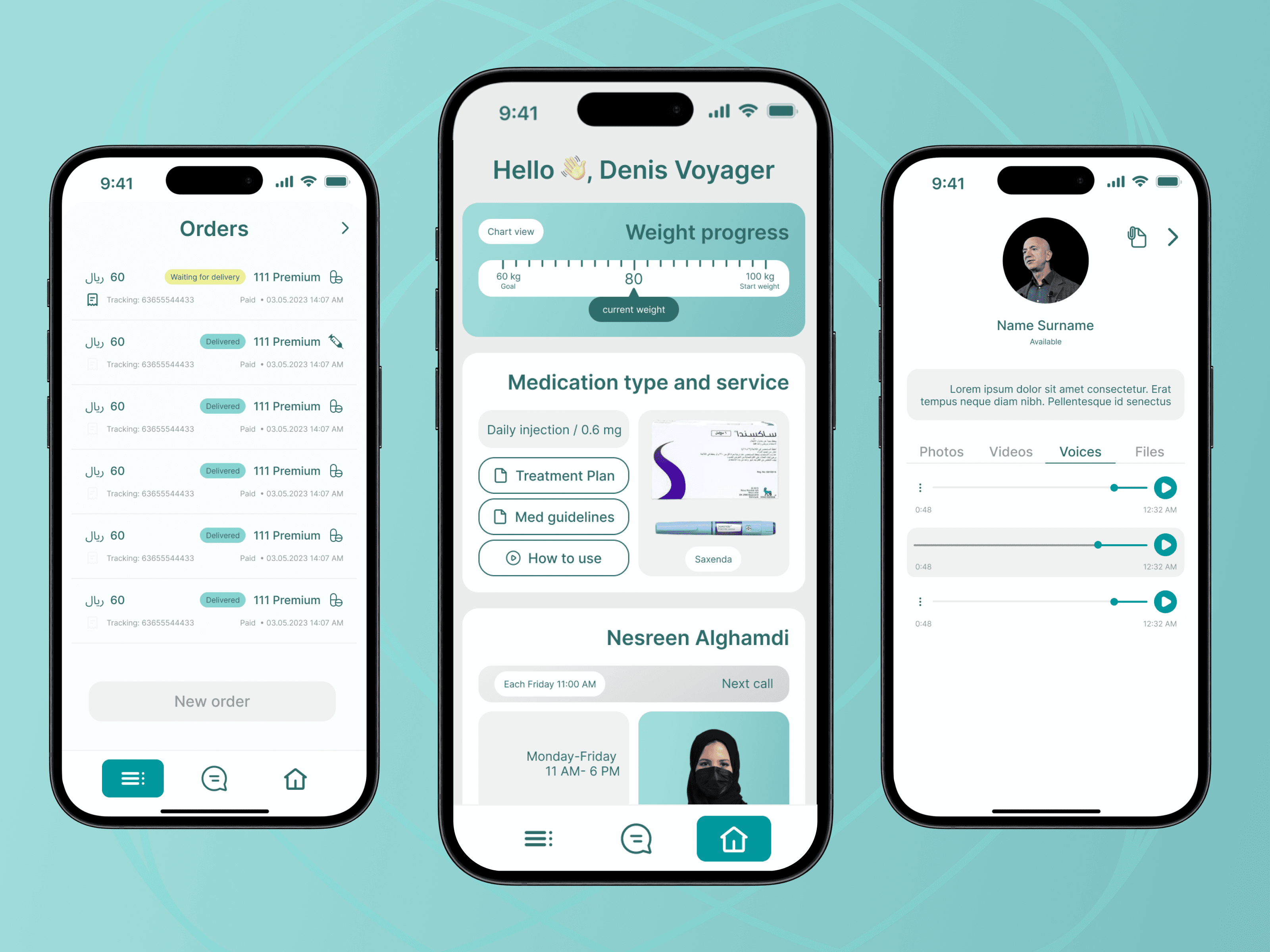
 Healthcare
RaedHealth
Premium HealthTech app for Saudi patients: Arabic RTL experience, English dietitian panel, and Zoho CRM, WhatsApp and payment integrations.
 Lifestyle
Nearby Spots
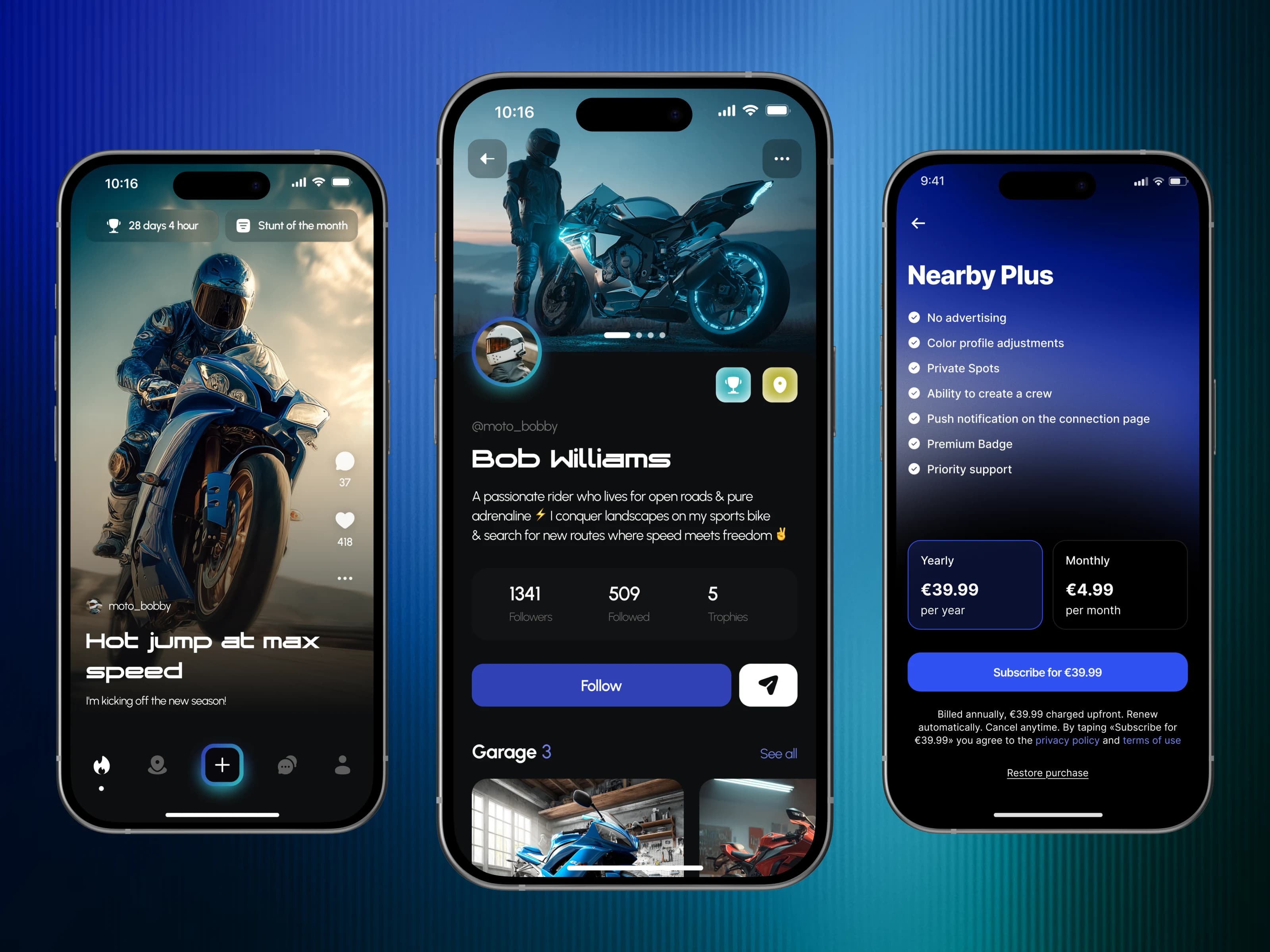
Motorcycle community app with rider profiles, personal garages, shared content, push notifications and RevenueCat subscriptions.
 EdTech
Fokus Nachhilfe
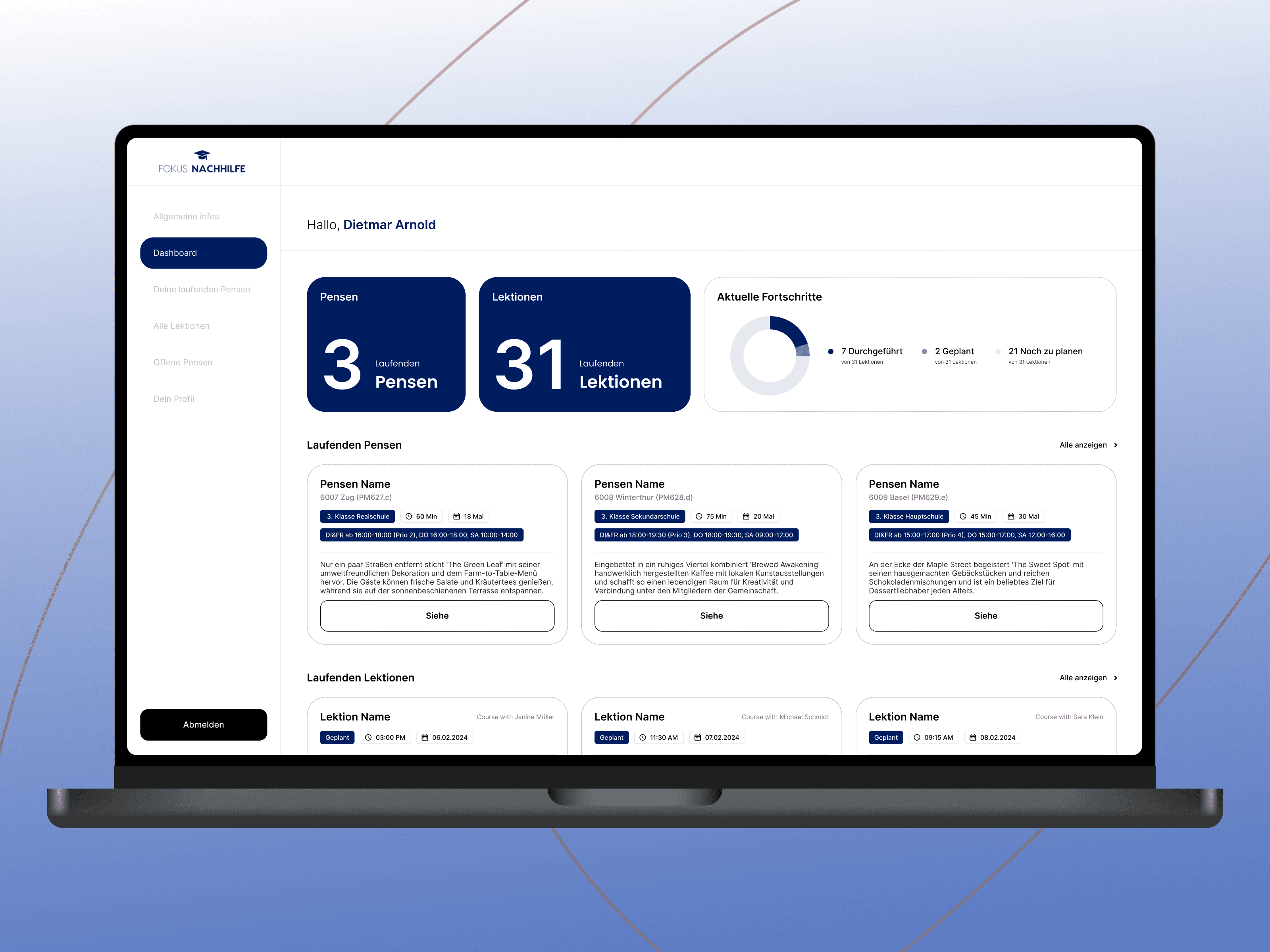
Responsive web platform for assignments, lesson planning and progress, with contracts and payments organised for administration.
Let’s discuss your project
Free and non-binding — book a slot straight away or drop us a message.

Dennis Polevik
CEO
Let's discuss your project
- Reply within 1 business dayWe review your project and get back to you within 1 business day, no sales reps in between
- Short call on your goalsWe hop on a short call to align on scope and goals
- Clear proposal, no obligationYou get a clear proposal — no obligation, no pressure